
Tracking opens
Tracking opens per Server
Using the Postmark website
When logged into Postmark select the server, and go to the “Settings” tab. There you can enable open tracking for that server.
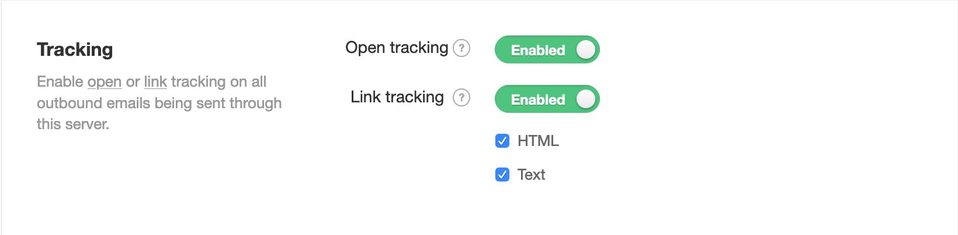
Once enabled, all outbound HTML emails being sent through this Server will track all opens.
Using the REST API
Enable with the Server API
You can modify the TrackOpens field for a specific Server using the Server API to edit an existing server.
Enable with the account-based Servers API
You can modify the TrackOpens field using the Servers API to edit existing servers. You can also use the Servers API to create servers and set the TrackOpens field at the same time.
← Tracking opens Tracking opens per email →
Last modified on